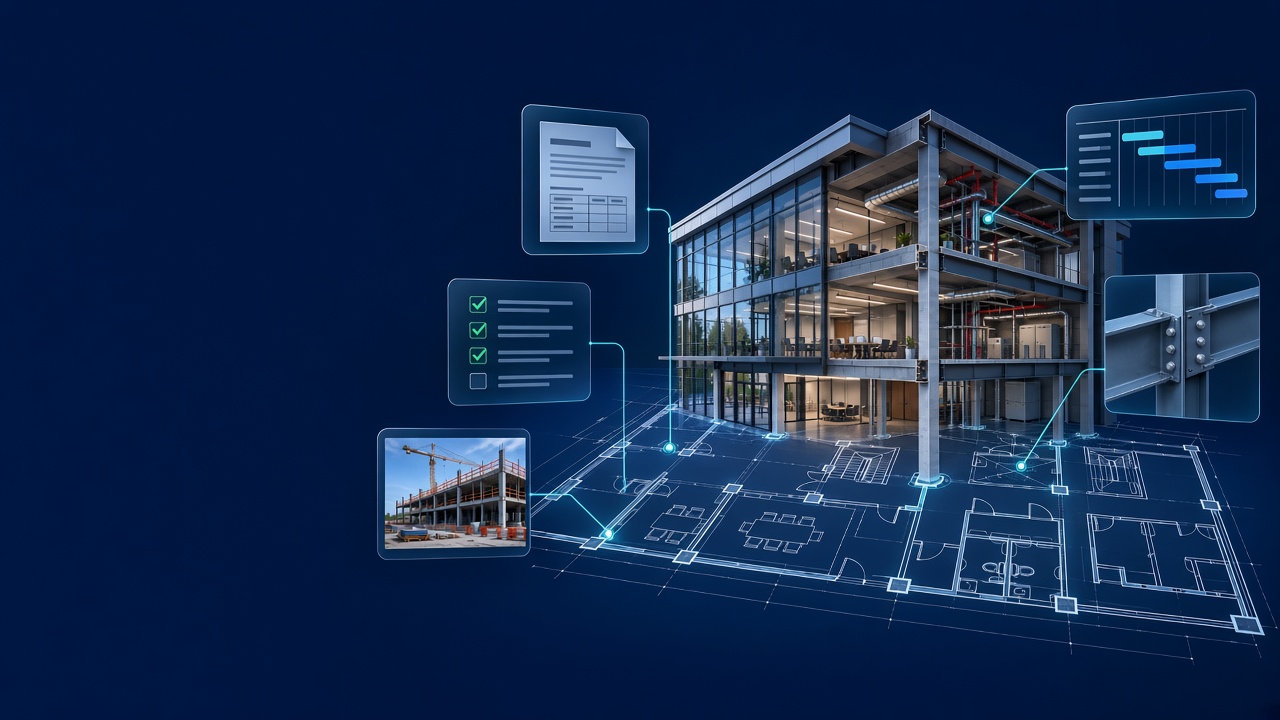
Everything your project needs. Connected through the drawing.
Purpose-built capabilities that work together—reducing repeated data entry and keeping project information connected as work progresses.
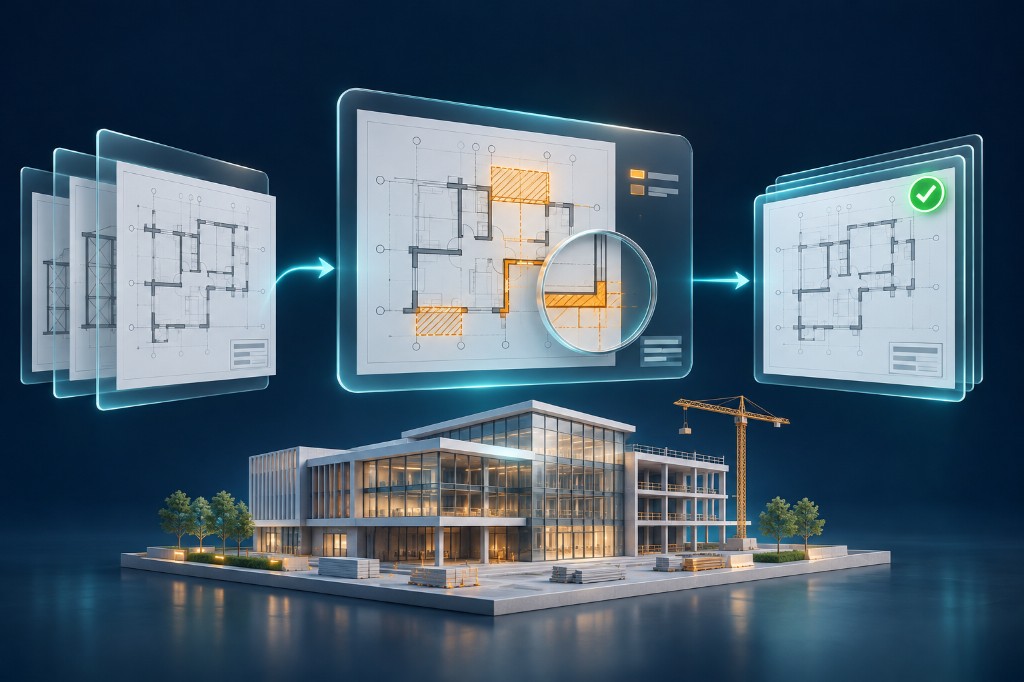
Live Drawings
Turn every sheet into a connected view of the work.
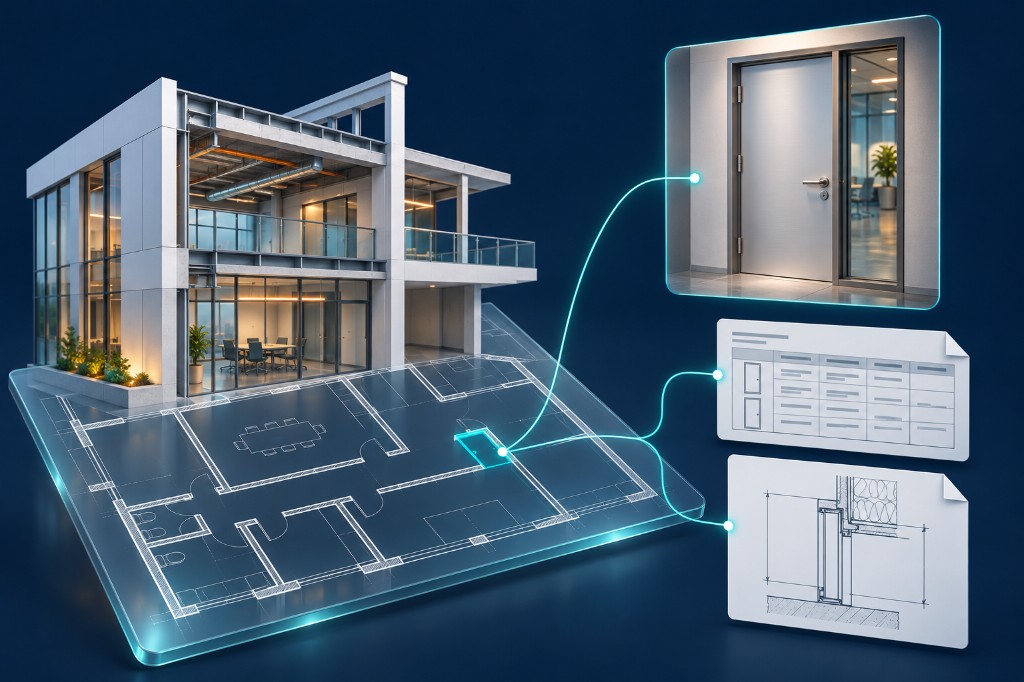
Your drawings already describe the project. blade ai makes that information accessible and connected. Transform selected PDF sheets into Live Drawings, linking recognized objects, tags, schedules, and locations to supporting documents and field activity. Teams can work from familiar plans while accessing the information they need to build, verify, and document the work.
- Connect tags and schedules: Bring drawing references together with the schedules and properties that describe each element.
- Follow the details: Navigate linked callouts, sections, and referenced sheets across the drawing set.
- Find information where it belongs: Access related specifications, submittals, RFIs, and inspections from connected objects and locations.
Controlled Publishing
Review it. Coordinate it. Release it with confidence.
Connecting information starts with controlling what the team receives. blade ai brings incoming models, drawings, and documents into a staging area where project teams can organize submissions, review changes, and check readiness before publication. Release coordinated information packages with clear status and version history—helping the field identify the information approved for use.
- Connect or upload your files: Bring information into the project from supported connected platforms or direct uploads.
- Check readiness before release: Review incoming submissions against project requirements before making them available to the wider team.
- Manage revisions and packages: Compare supported document versions and assemble the models, sheets, and supporting records needed for the work.
Connected Workflows
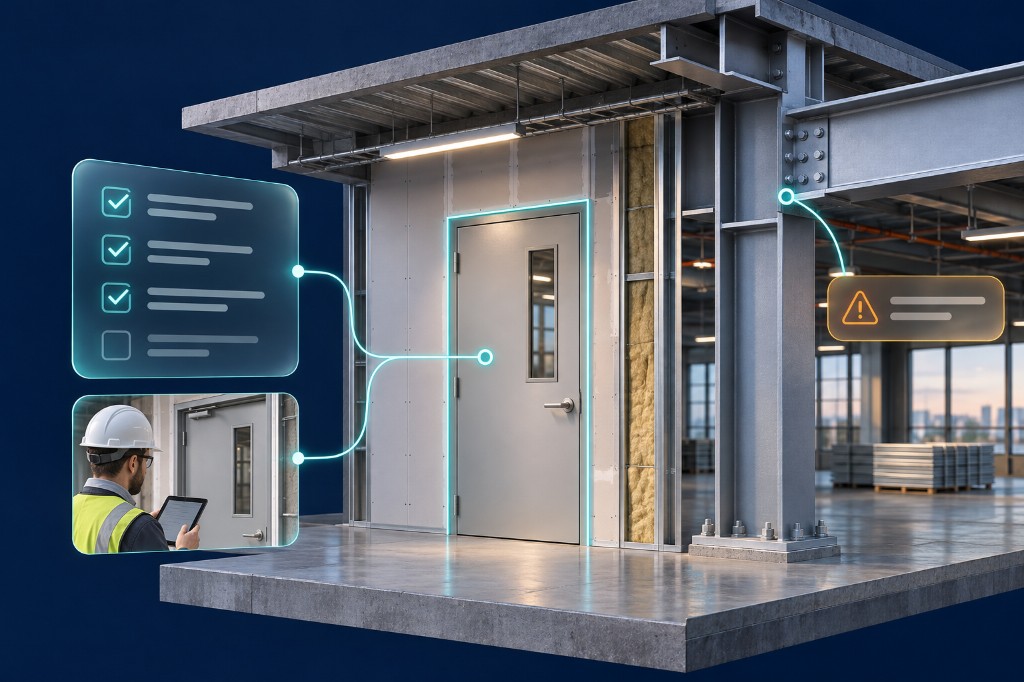
Connect the task, the evidence, and the work it belongs to.
Forms and checklists become more useful when they know what they describe. blade ai connects inspections, QA/QC, progress tracking, commissioning, and turnover records to project objects and locations. Teams can capture information in the field, review it in context, and carry the supporting evidence forward without rebuilding the record at every stage.
- Build programs around your process: Organize configurable forms and activities to support project-specific inspection, quality, and reporting requirements.
- Capture information against the work: Associate records with the relevant element, system, room, floor, or area.
- Keep evidence connected: Maintain photos, notes, results, and supporting documents alongside each activity.
Project Intelligence
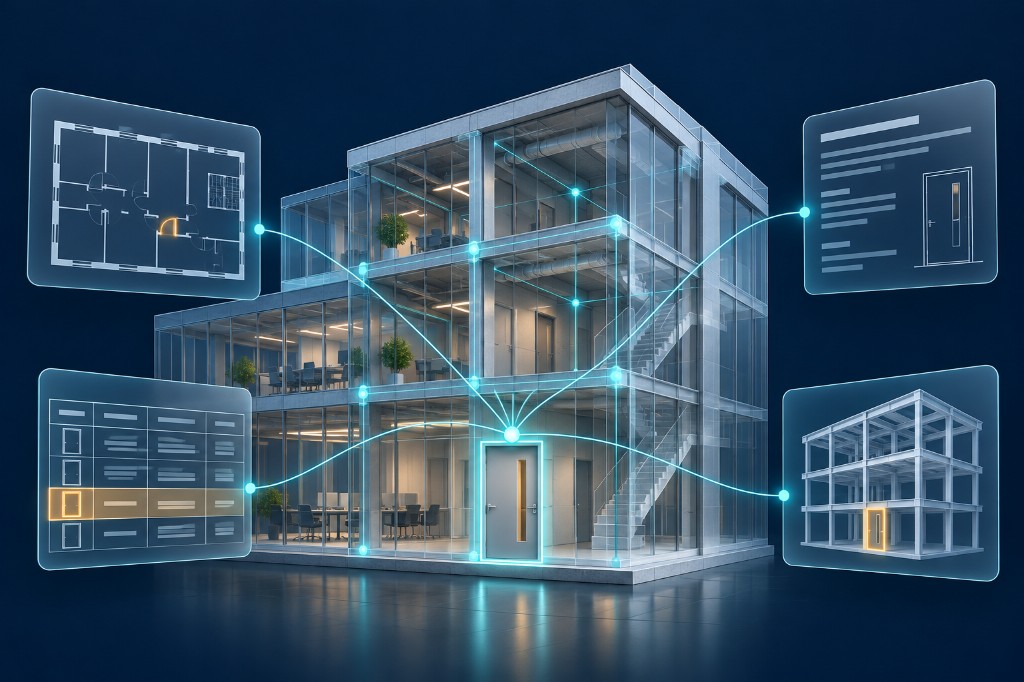
Your files contain information. Blade connects what it means.
blade ai reads models, drawings, and construction documents to extract information and identify relationships across the project. It brings objects, locations, and supporting records together—helping teams understand how information fits together while keeping people involved in reviewing AI-generated connections.
- Extract useful information: Turn content from models and documents into structured project data.
- Connect across sources: Associate objects with relevant specifications, schedules, submittals, and other records.
- Keep answers traceable: Retain source context so teams can review the evidence behind a connection.
Live Project Insights
See what is happening—and where attention is needed.
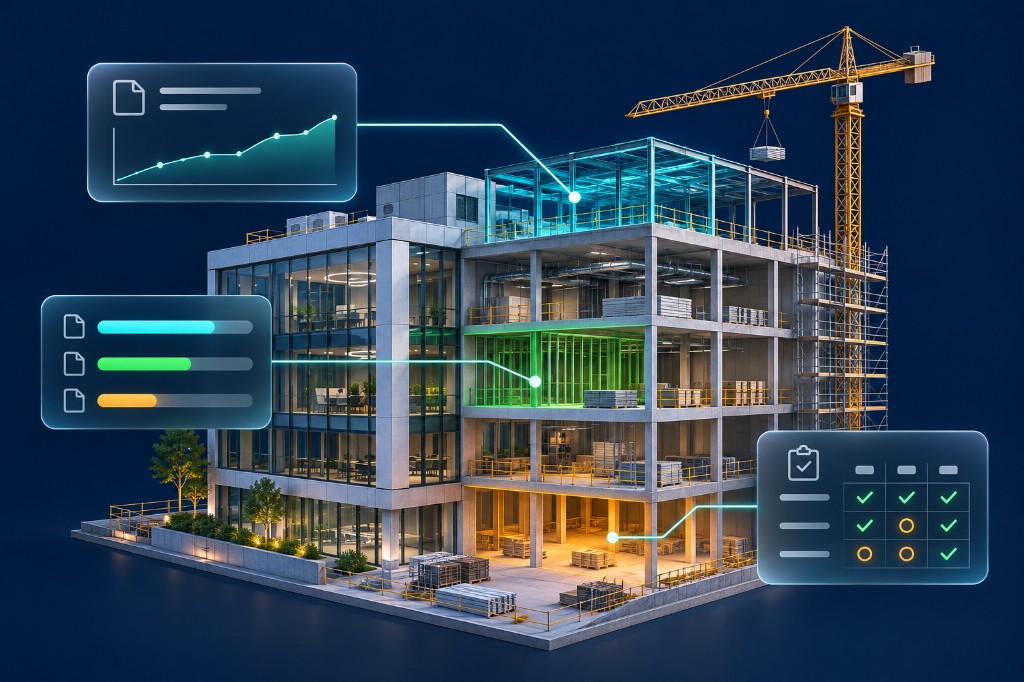
Bring progress, quality, and field activity into a shared project view.
- Progress in place: View work status by object, location, trade, or program.
- Quality made visible: Track inspection outcomes and identify work that needs follow-up.
- Focus on outstanding work: Bring open issues and incomplete activities into view.