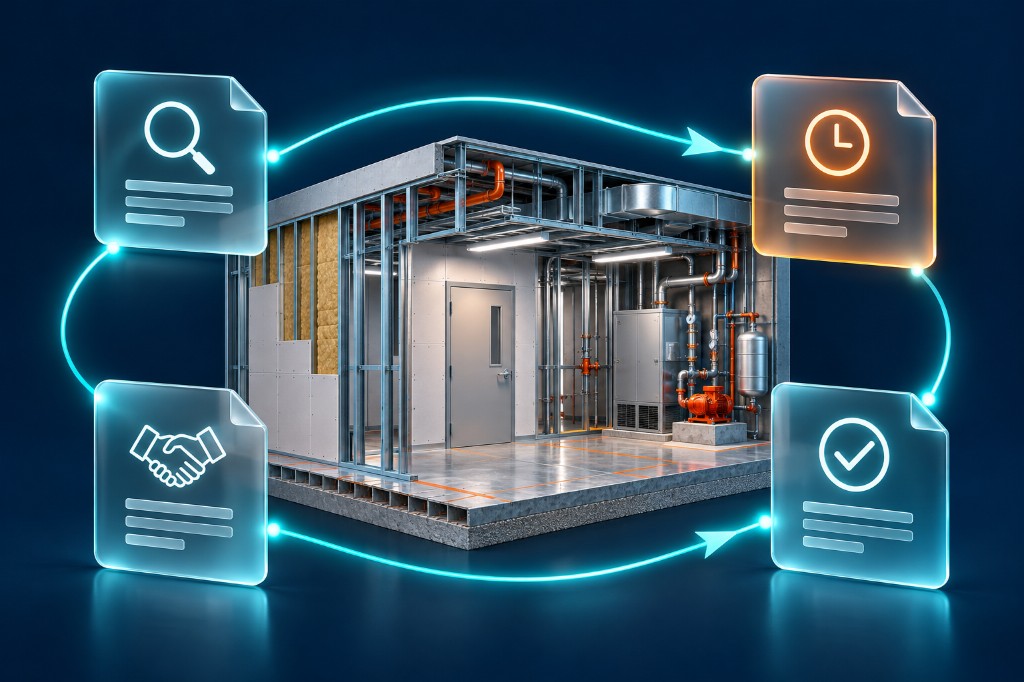
Many Systems. One Pane of Glass.
blade ai connects your drawings, models, documents, and project records in one intelligent view—bringing context to your data so teams can find answers, verify work, and make informed decisions across the construction lifecycle.
From project files to a
connected construction baseline.
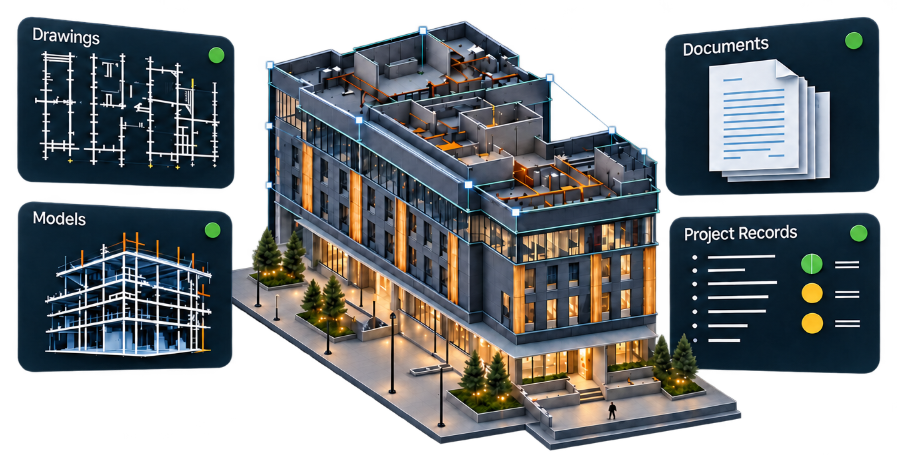
blade ai publishes, conditions, classifies, and connects project information so every team can work from the same trusted baseline, organized for the way they work.
Bring the project together
Models, drawings, and project files enter one connected environment
Projects begin with information coming from different sources. blade ai brings models, drawing sets, and supporting documents into one place, then prepares the data for use.

Publish in minutes, not hours
Move from upload to review faster
blade ai publishes project information in the background, applies your project standards, and prepares the content for review without tying up a workstation.
See what is inside the project
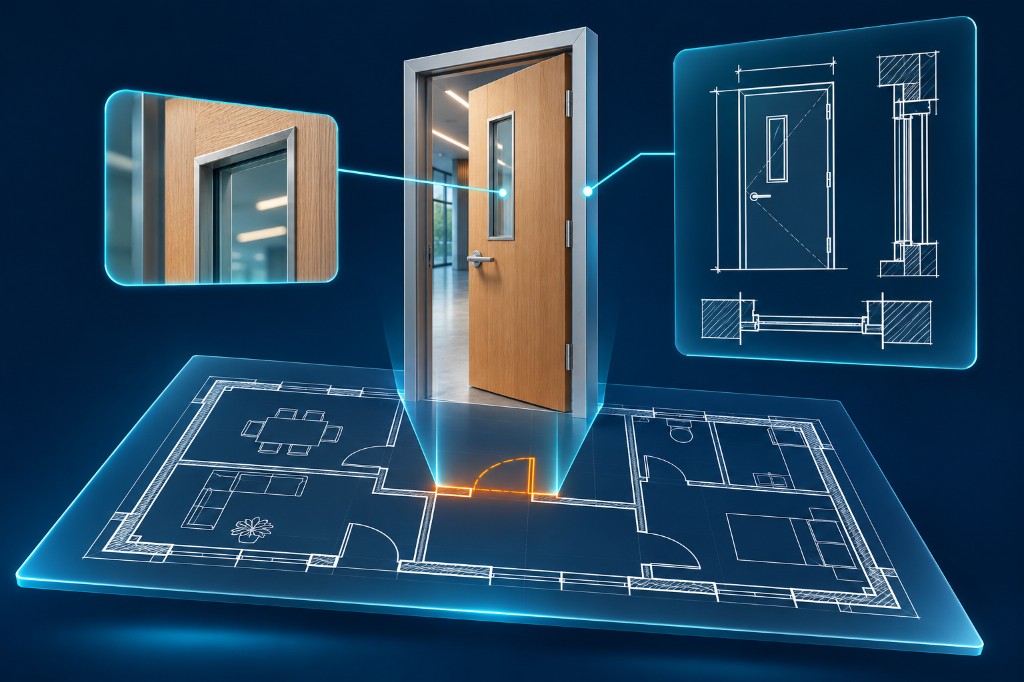
Documents become structured, usable data
blade ai extracts and organizes the information inside models, drawings, and documents so teams can understand what is present.

Apply the Blade Reference Layer
Your project standards become the crosswalk
Different teams organize construction information differently. blade ai maps those systems together and applies the right structure automatically — aligning the classifications, codes, and structures your teams already use, applied consistently as new information enters the project.

Catch gaps before publishing
Know what is missing before the field finds out
blade ai reviews the project set before publishing and identifies missing sheets, incomplete models, disconnected information, and other potential gaps.
Publish. Connect. Act.
One flow from the latest set to the next action
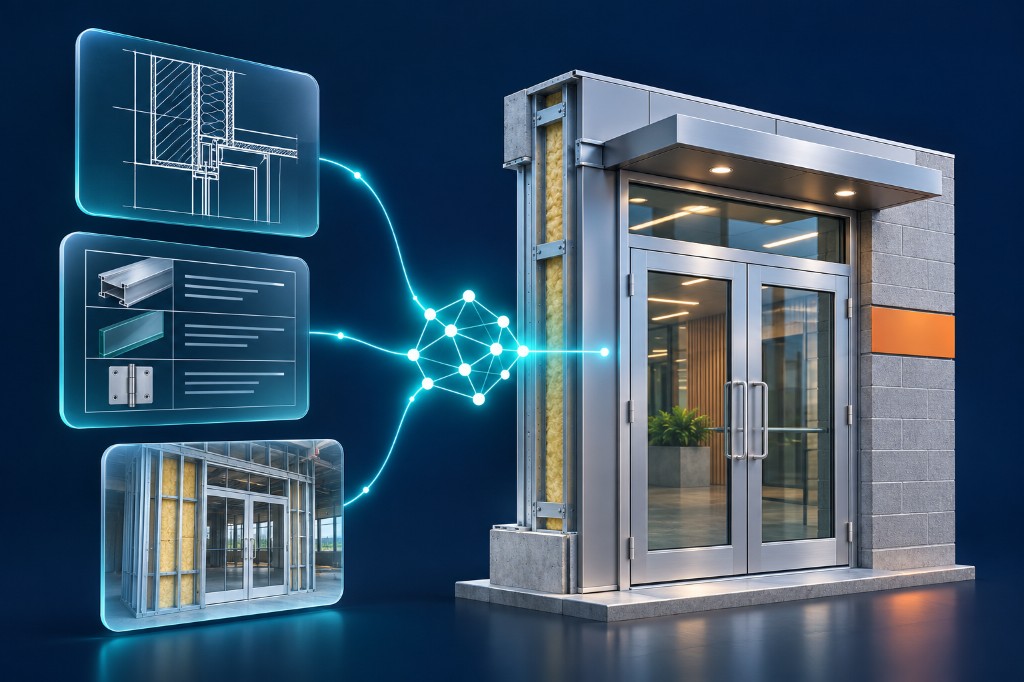
Publish the latest models, drawings, and documents. blade ai applies the Reference Layer and links information across objects, locations, workflows, and records. Then select any object or drawing location to see its connected history, attach a form, start a workflow, or review related project information.

One project baseline, organized for every role
The same project information, structured for the way each team works
blade ai maintains one connected baseline while presenting the classifications, workflows, and forms each role needs.