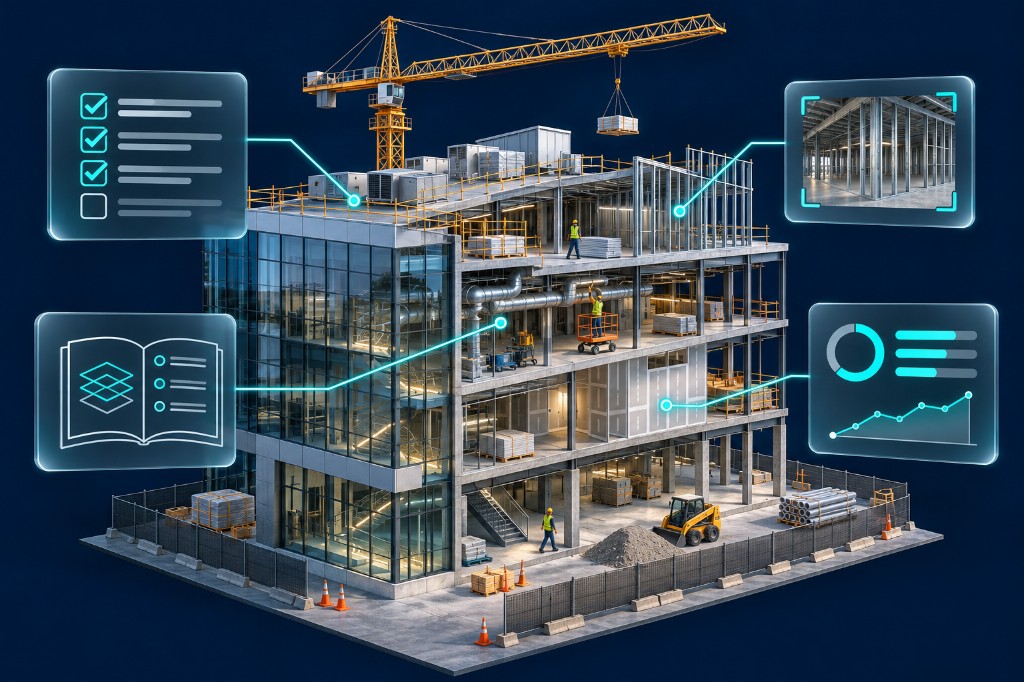
Your process. Your programs. Connected to the work.
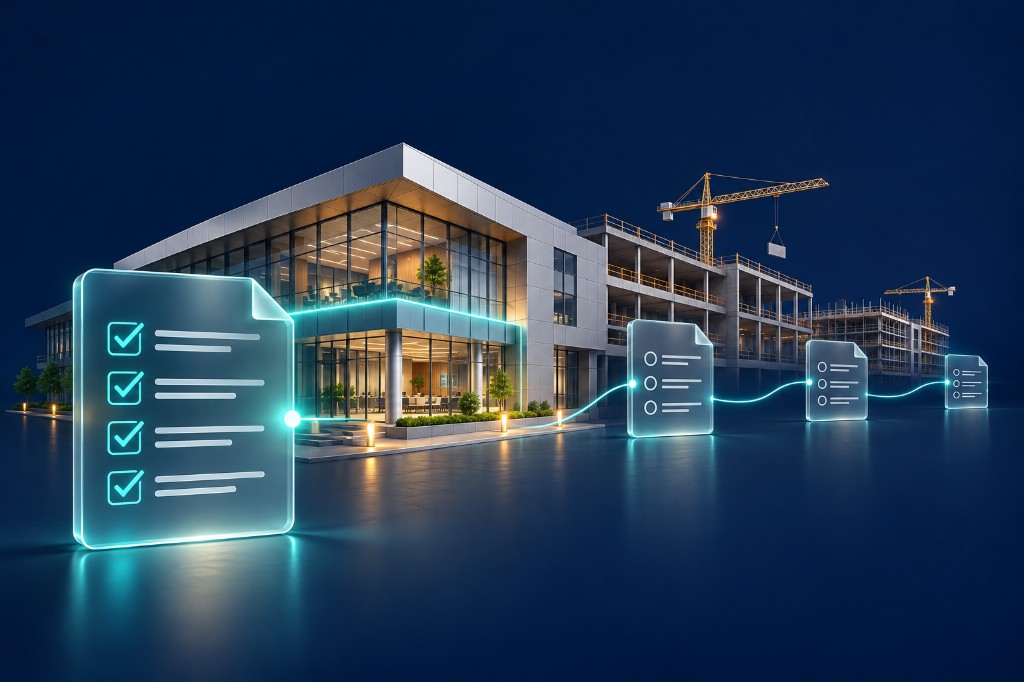
Start with a provided program or build your own.
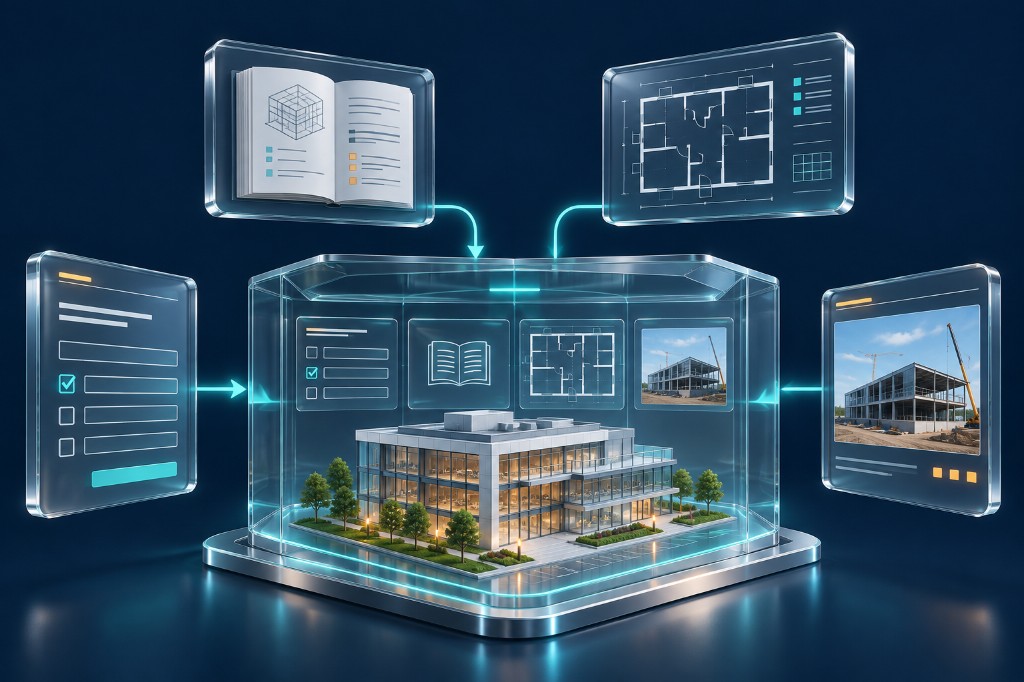
Every project has processes that need to be followed. blade ai™ Programs bring them together with easy-to-use forms, reference documentation, and connected project information.
Use a program provided by Blade, adapt it to your requirements, or create one around the way your team works. From inspections and quality checks to progress tracking, commissioning, and turnover, Programs give teams a consistent way to perform and document the work.
More than a form. A complete way to manage the work.
A form captures information. A Program gives that information purpose and context.
Bring related forms, instructions, reference documents, and project records together around a defined activity. Connect them to the objects, systems, and locations they describe so teams understand what to do, what information to capture, and where to find the requirements.
- Define the activity: Establish what the program covers and how your team should use it.
- Capture the information: Provide the forms needed to record observations, results, progress, and supporting evidence.
- Include the guidance: Keep procedures, requirements, and reference documents accessible alongside the work.
- Connect the record: Associate completed activities with the relevant project objects and locations.
Start with a foundation. Make it your own.
Use Blade’s provided programs to get moving faster.
Start with a program that supports a familiar construction activity, then tailor it to your company standards, owner requirements, or project conditions.
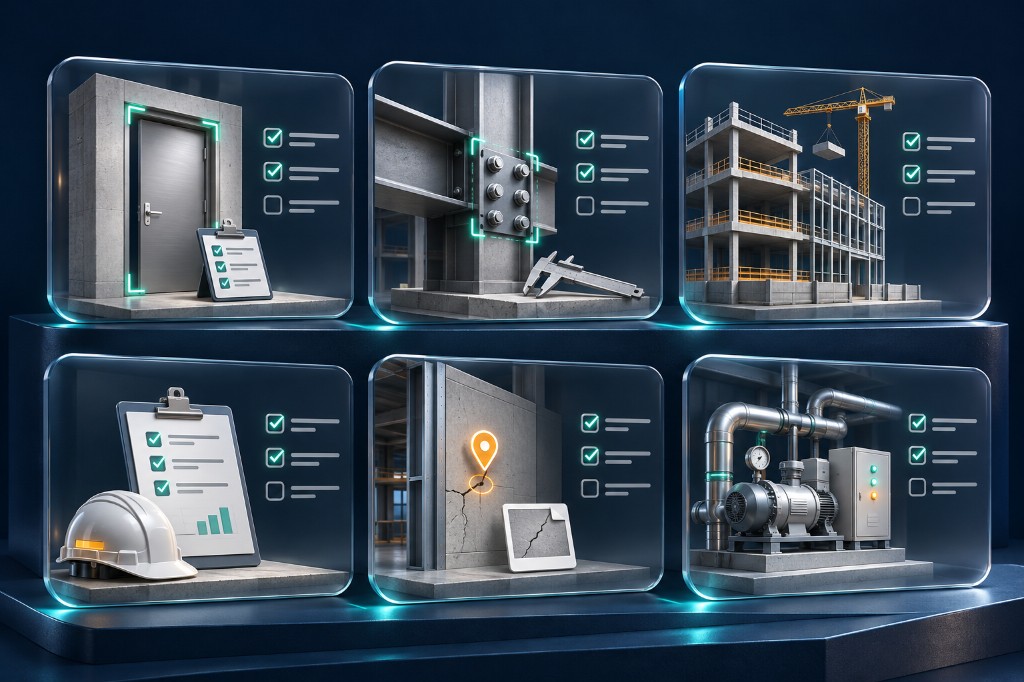
Programs can support:
- Inspections: Record checks, observations, results, and follow-up items.
- Quality assurance and quality control: Document requirements, verification, and supporting evidence.
- Progress tracking: Capture installation status and work completed by object or location.
- Daily reporting: Organize field observations, activities, and project conditions.
- Punch lists: Record deficiencies and track the information needed for resolution.
- Commissioning and turnover: Organize verification records and supporting documentation for handover.
Build a program around the way you work.
Your requirements should shape the process.
Create a program for a company standard, a customer requirement, a specific building system, or a specialized field activity. Select the information your team needs to capture, add the documents that explain the requirements, and connect the program to the appropriate project context.
A program can focus on a single activity, such as a door installation inspection, or bring together related activities across a broader scope, such as structural steel quality control.
- Define the scope: Identify the work, systems, or locations the program applies to.
- Choose the forms: Bring together the records needed to perform and document the activity.
- Add reference material: Include instructions, specifications, checklists, and supporting documents.
- Establish a repeatable approach: Give teams a consistent structure that can be adapted for future projects.
Build better forms without making the work harder.
Easy-to-use form editors. Information that fits your process.
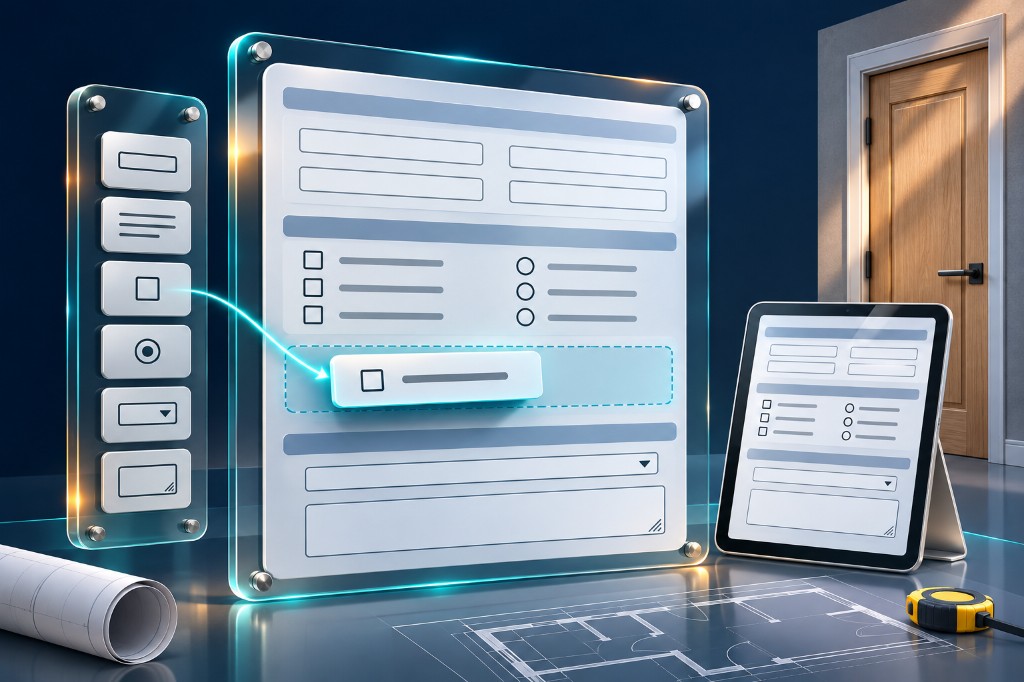
Create and edit forms around the questions your team actually needs to answer. Organize information into clear sections, use appropriate fields for each response, and provide instructions that help people complete the form consistently.
Start with an existing form or create your own. Adapt the wording, fields, and structure to suit the activity—from a straightforward field check to a detailed inspection record.
- Ask the right questions: Capture the information relevant to the work being performed.
- Keep forms easy to follow: Group related questions into a clear, practical sequence.
- Explain what is needed: Add guidance so users understand what to check and record.
- Standardize your records: Use consistent fields and terminology across teams and projects.
Put the instructions beside the activity.
Create program documents that explain how the work should be performed and documented.
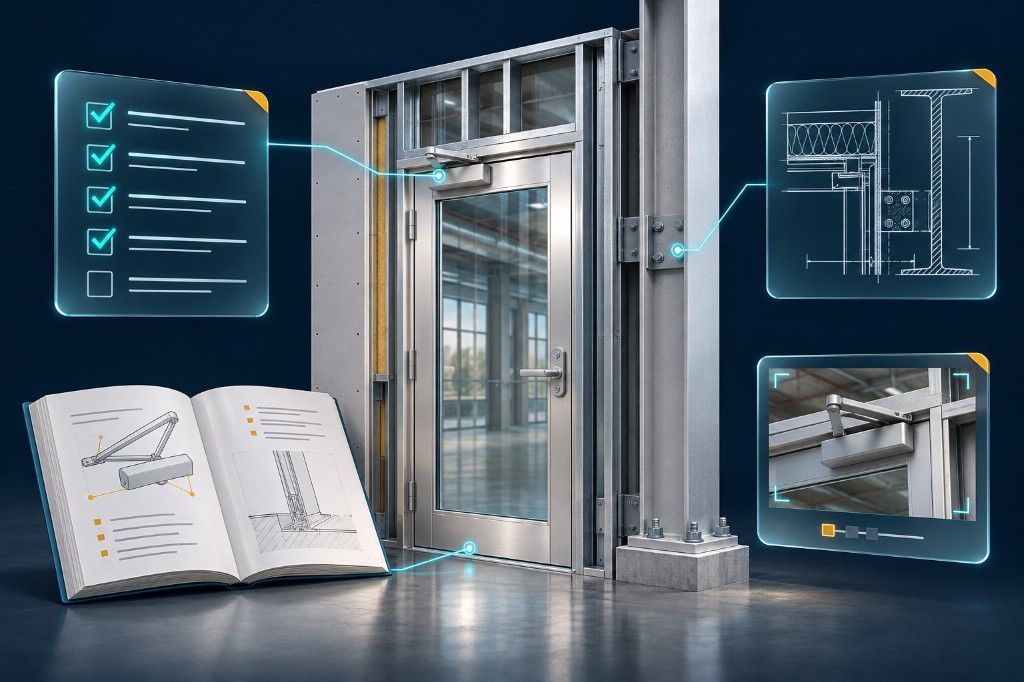
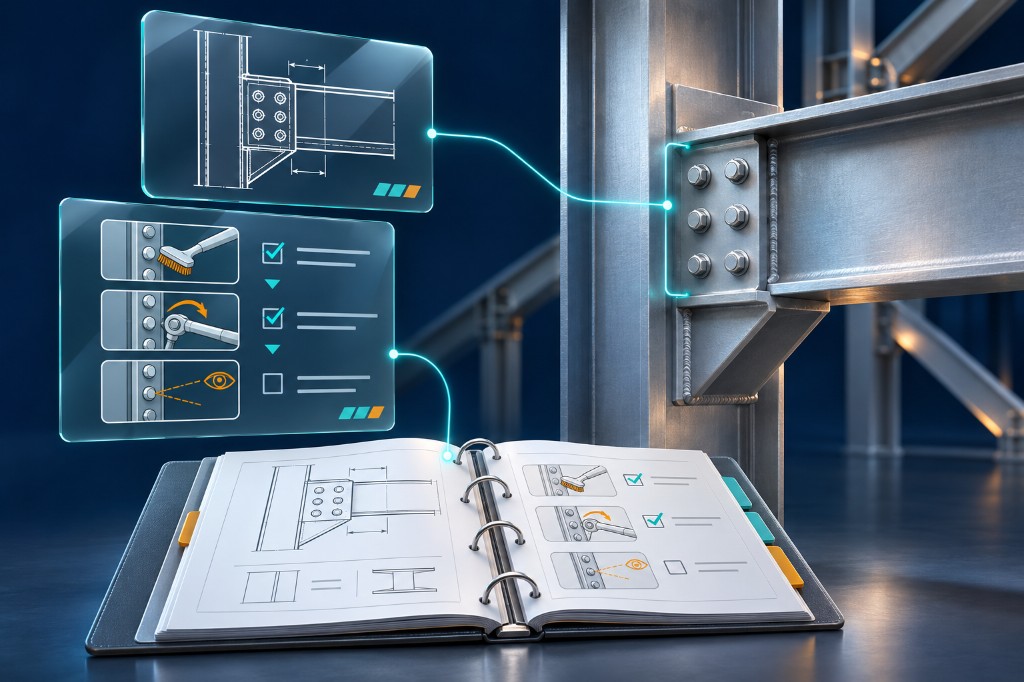
Give teams more than an empty checklist. Create reference documentation for each program that explains its purpose, scope, procedures, and documentation requirements. Include supporting project documents so the people doing the work can find the guidance behind the questions.
Program documents can include:
- Purpose and scope: What the program covers and when it should be used.
- Roles and responsibilities: Who performs the activity and who reviews the results.
- Procedures and instructions: What to check, how to record it, and what evidence to include.
- Acceptance criteria: The project-defined requirements used to assess the work.
- Supporting references: Relevant specifications, approved submittals, drawings, and manufacturer instructions.
- Completion requirements: The records and supporting documentation needed to close out the activity.
Keep every record connected to what it describes.
From a field response to the full project context.
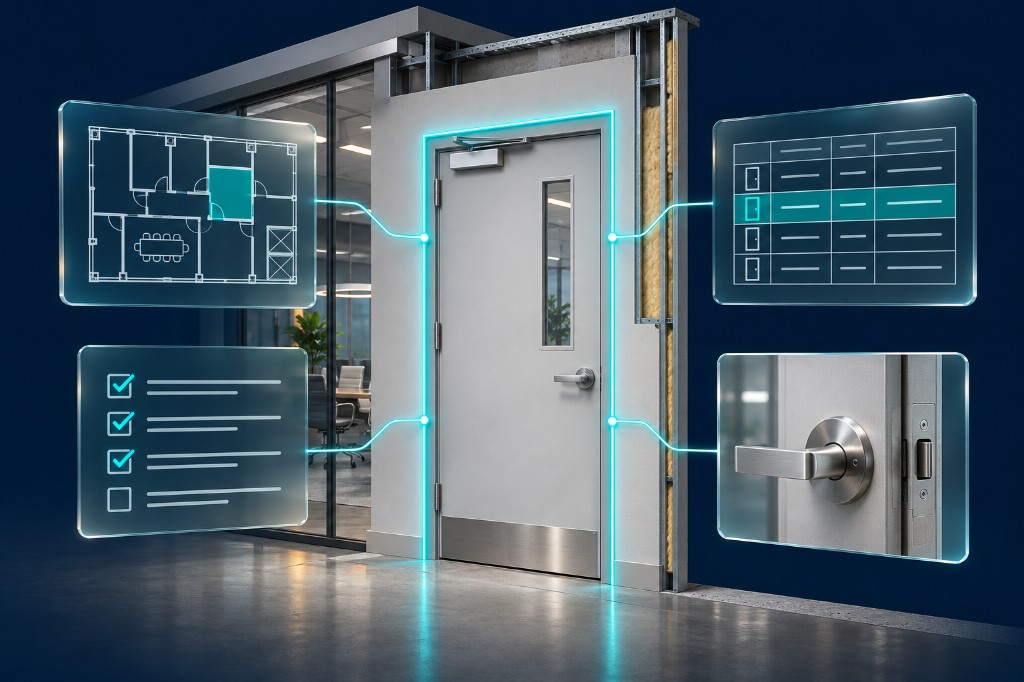
An inspection result means more when you can see the element inspected, its location, the applicable requirements, and the evidence collected.
blade ai connects program records to project objects and locations, helping teams move between the work and its supporting information. A door inspection can stay connected to the door, its room, its schedule information, and related documents—building a useful record throughout construction and turnover.
- Find records by object or location.
- Review results alongside supporting information.
- Keep photos, notes, and documents with the activity.
- Carry completed records into commissioning and handover.
Start with one process. Build on what works.
Choose a provided program or create your own. Shape the forms, add the reference documentation, and connect the program to your project.
Bring your standards into the field—and bring the evidence back with the work.