Connected partners. A more complete project picture.
blade ai extends the single pane of glass beyond design graphics.
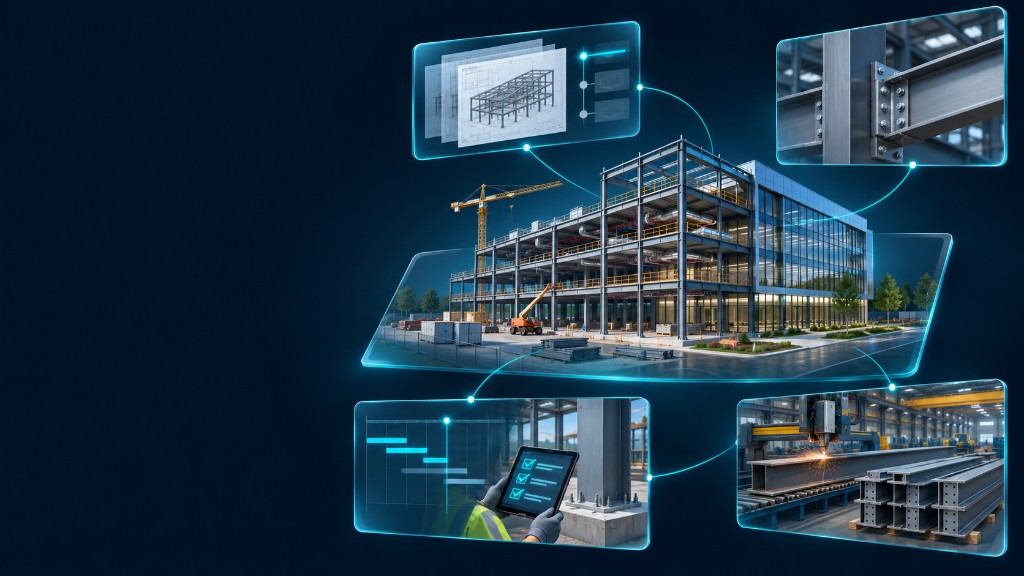
In our partner ecosystem, models and drawings become the foundation for production status, fabrication details, and everything else.
Teams gain more than a view of the design. They gain visibility into the work behind it—connecting what is planned with what is happening.
Keep using the tools you trust. blade ai brings their information together, helping owners, contractors, and fabricators coordinate work and make better-informed decisions.
Our partners

Faster Connection Design. A More Connected Jobsite.
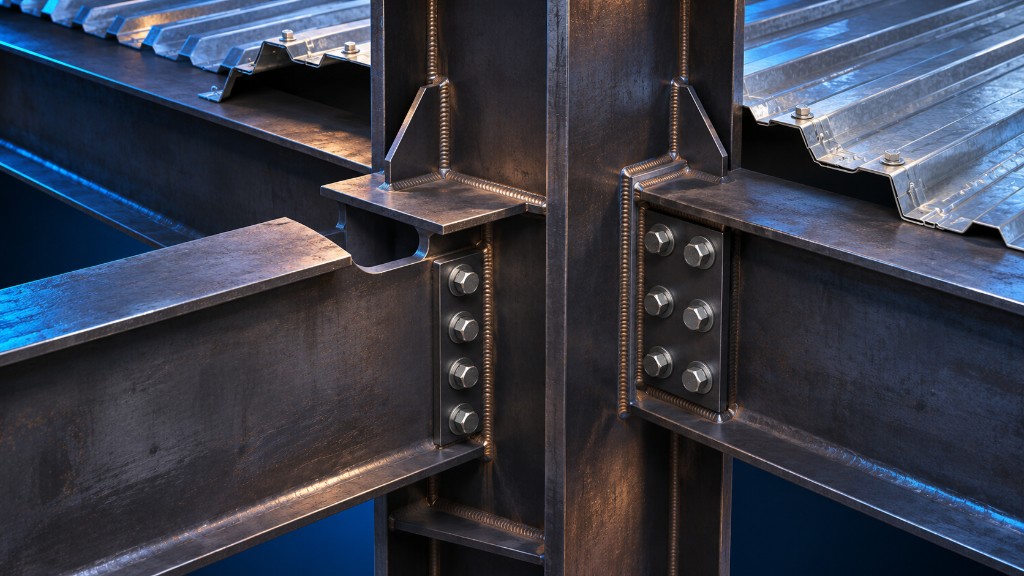
Structural steel connections—engineered in minutes, connected from design to installation.Qnect accelerates steel connection engineering, modeling, and optimization, delivering results in minutes, often seconds. Through the blade ai connector, that detailed steel model becomes part of a connected project—bringing engineering, fabrication, and field information into a single pane of glass.
- Get connection designs faster. Automate connection engineering and modeling to move from structural framing to detailed connections in minutes.
- Resolve issues before they reach the field. Identify connection challenges earlier, helping reduce RFIs, fabrication delays, and installation rework.
- Optimize for fabrication and erection. Evaluate connection options to reduce unnecessary steel, bolts, welds, and reinforcing while accounting for fabricator preferences.
- Keep pace with design changes. Rapidly re-engineer and update connections as the structural design evolves.
- Connect design with production. Bring Qnect’s connected steel models into blade ai alongside drawings, fabrication documents, and installation progress.
- Link connections to field quality. Associate steel objects with bolt and weld inspections, QA/QC records, photos, and supporting evidence.

True Document Management. Connected to blade ai.
Version-controlled files. Protected deliverables. Intelligent viewing.blade ai’s integration with Kenesto brings dedicated engineering document management into a single point of information. Kenesto manages the files, versions, and access permissions, while blade ai provides PDF viewing, AI-powered insights, and interactive 3D viewing.
- Maintain a complete version history. Automatically preserve versions as files are saved, with access to previous revisions when needed.
- Freeze finalized documents. Protect completed deliverables against further updates, preserving a reliable project record.
- Prevent conflicting edits. Automatic file locking helps keep users from overwriting one another’s work.
- Control access and sharing. Manage who can view, download, update, or share files with internal teams and external partners.
- Manage controlled document libraries. Support check-in and check-out through Kenesto’s vault capabilities.
- Keep CAD assemblies connected. Preserve supported assembly dependencies and relationships between engineering files.
- Bring documents to life in blade ai. Review PDFs, explore 3D models, and apply blade ai’s AI to files managed through Kenesto.


Expert Partners. One Connected Project.
Planit + blade ai: Align Teams Early. Resolve Questions Before They Become RFIs.blade ai brings specialist expertise, design information, and production data into a single source of truth—helping teams work together while keeping the tools they trust.
- Bring coordinated information together. Make Planit’s models, drawings, and construction deliverables accessible through blade ai.
- Connect detail to context. Link fabrication and installation information to the relevant building objects and locations.
- Extend models beyond design. Connect quantities and planning information with field progress, inspections, and QA/QC.
- Support informed decisions. Give office and field teams a shared view of project information to review changes and resolve questions.
- Carry coordination into handover. Keep supporting documents and field evidence connected throughout construction and turnover.


Connect project decisions to cost and carbon.
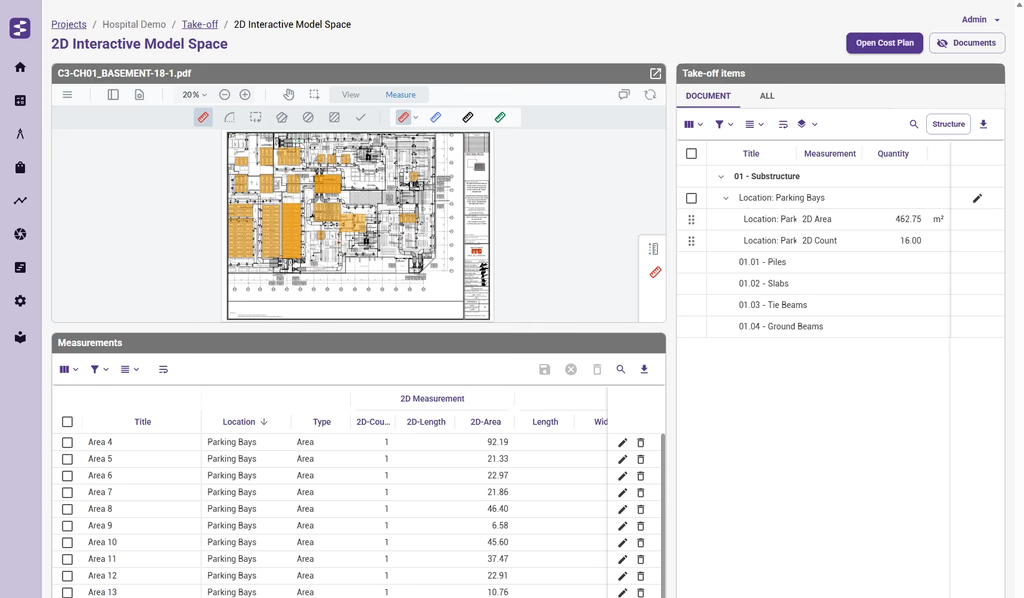
Sterling DCS — Cost and carbon intelligence from preconstruction through lifecycle planning.Sterling DCS helps construction teams evaluate cost and carbon together. Paired with blade ai’s connected project approach, that expertise can bring commercial and environmental context to the models, drawings, and information teams use to make decisions.
- Evaluate cost and carbon together. Build estimates that account for both project budgets and carbon impacts across materials, labor, equipment, and subcontracted work.
- Give quantities greater context. Connect estimating workflows with the building objects, systems, and locations represented in project information.
- Understand the impact of change. Bring cost and carbon considerations into discussions about design revisions, material choices, and construction alternatives.
- Build on consistent information. Use structured libraries, rates, and assumptions to support repeatable estimating across projects.
- Look beyond construction. Extend planning to operating, maintenance, and end-of-life costs and carbon impacts.
Want to be listed here? Tell us about your team and we'll be in touch.